
RRP is RM 2200/license. Now Intro Price at RM1250 only !
Performance
- Entity snapping is refactored for improved stability and performance.
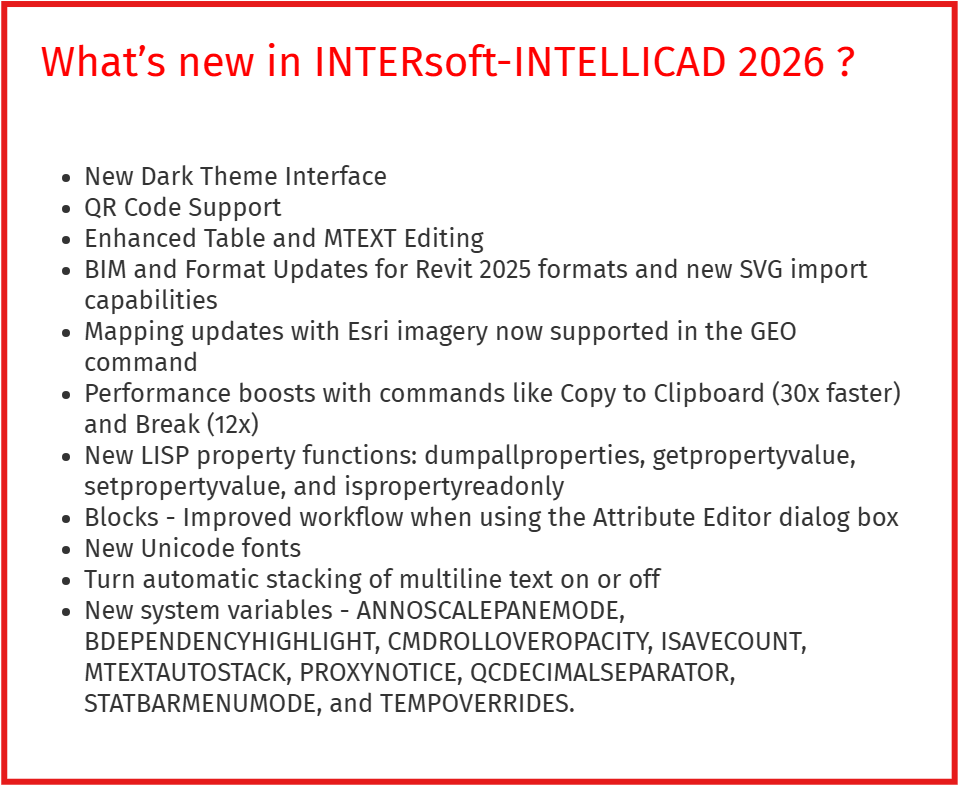
- The Copy to Clipboard command is 30x faster in certain scenarios.
- The Break command is 12x faster.
- Overall performance improvements when using the Move, View, Union, and other commands.
- Improved performance for GetCurrentView and SetCurrentView in the .NET API.
- Improved performance when using grips to stretch a large number of overlapping lines.
Working with files
- Import .svg files.
- If saving a drawing to an inaccessible path, for example, with a lost network connection, a copy of the drawing is saved automatically in the user’s \Documents\My Program\Emergency Saved Drawings folder.
- Working with BIM files:
- Support for Autodesk® Revit® 2025 RVT and RFA file formats.
- Change the orientation of a wall as you draw it using the Flip option.
- Use grips when editing boundaries of spaces.
- Create architectural spaces using the Spaces command, and infill AEC entities when using the Section Plane command
Text
- Create a QR code from new multiline text or multiline text attached to a new leader line.
- Use new Unicode fonts.
- Turn automatic stacking of multiline text on or off.
Blocks
- Improved workflow when using the Attribute Editor dialog box to edit the value, text settings, and properties of each attribute in a block.
- For advanced blocks, use the CPolygon option when adding a stretch or polar stretch action.
User interface
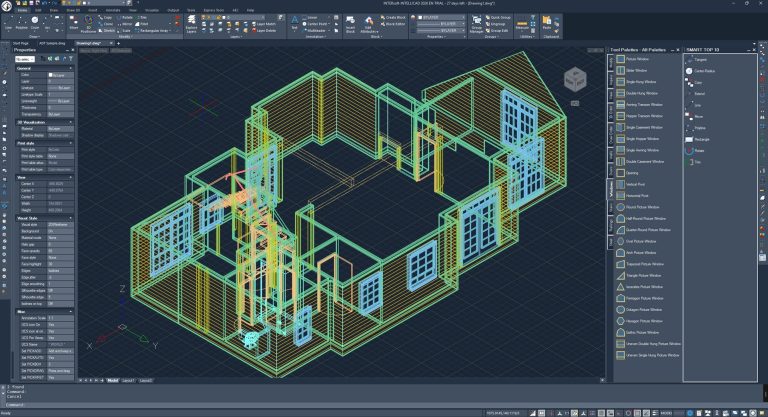
- Choose between new themes that include: Dark, Light, and Gray. Dark is the default.
- Drag drawing windows outside the program window, allowing you to work with drawings on multiple monitors without running the program again.
- Add text titles to visually organize tools into groups on the Tool Palettes pane.
- Choose transparency settings for the command bar when it is undocked.
- Set options for the status bar from one location by choosing Options > User Preferences, and then click Status Bar Settings.
- Choose how various UI elements work with running entity snaps by choosing Drawing Settings > Coordinate Input > Entity Snaps.
More features
- The Overkill command now works with rays, infinite lines, text, multiline text, and hatches.
- Use the Trim command with table entities.
- Automatically fill table cells with content from existing cells.
- Specify a file name before publishing to a .pdf file instead of prompting for a file name.
- Set the current scale for annotative entities when using the Scale List command.
- Default proxy options can be overridden when opening a drawing that contains custom objects created in an unavailable custom application.
APIs
- LISP: Access the LISP programming environment using Microsoft® Visual Studio Code with the IntelliCAD Lisp Debugger extension. You can also use the VLISP command directly in IntelliCAD.
- LISP functions: dumpallproperties, getpropertyvalue, ispropertyreadonly, and setpropertyvalue.
- .NET: Updated to .NET version 8; use IIcadApplicationPrefernces for retrieving .ctb file paths.
- IcARX: AcadAppInfo, CAdUiPaletteSet, and Properties Palettes API.
System variables
- New system variables: ANNOSCALEPANEMODE, BDEPENDENCYHIGHLIGHT, CMDROLLOVEROPACITY, ISAVECOUNT, MTEXTAUTOSTACK, PROXYNOTICE, QCDECIMALSEPARATOR, STATBARMENUMODE, and TEMPOVERRIDES.
- UITHEME is renamed to COLORTHEME and includes new values.
- Updated system variables: GRIDLINESMAX, GRIDPOINTSMAX, LIMMIN, LIMMAX, OSNAPMAX, and STARTUP.
Main Features:
- Selecting IFC4 or IFC4x3 format when exporting to .ifc files (change in the export window).
- Setting the display properties of AEC object styles.
- Dynamic block editor (parameters, actions and visibility states) – complete sets of editing functions.
- Single attribute editor: value, text settings and properties of each attribute in relation to a block.
- Expanded list of recently used files to 50 files.
- Dragging a .dwg file from Windows File Explorer and other places to the tool palette to add it as a block on the tool palette.
- Right-clicking on the top tab of the drawing file allows you to set how the windows are displayed.
- Clicking on the border of two viewports in the model area allows you to move it and change the proportions of adjacent viewports.
- The PSPACEMARGINS variable allows you to turn on and off the display of the print area border, which is visible as a dashed line in the paper area.
- Load and save print stamp settings files (.pss).
- Print preview for .pc3 printers.
- Dynamic coordinate input and a setup window for dynamic input.
- Editing tool palettes, creating block palettes and block editor.
- Recurring selection and deleting duplicates (overkill).
- Import and export of system variable settings from the System Variable Manager level.
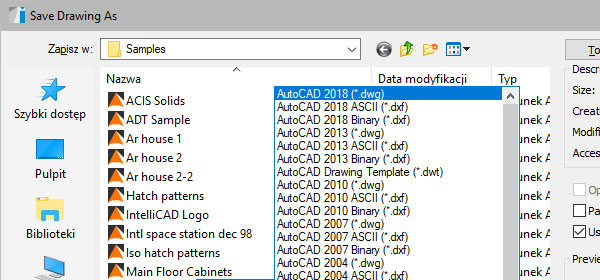
- Reading and saving drawings in AutoCAD format from 2.5 to 2018 (DWG, DXF).
- Working in DWG 2018 native format.
- Possibility to work on several computers (under one license), using a simple transfer of the license file.
- A smart list of the most often used commands (Smart TOP 10) that are automatically memorized when working on a project, creating a personalized tool palette.
- Using DWT templates.
- The function of fixing and checking damaged files.
- The program window is divided into tabs in which the drawings are successively displayed.
- Command line and input.
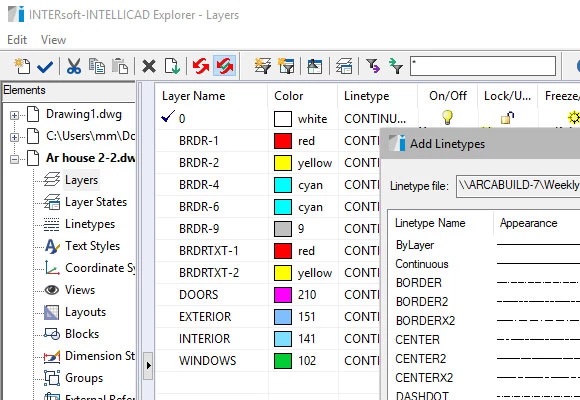
- Working on layers.
- Project management explorer.
- Working in Cartesian and polar coordinates.
- Dockable tool palettes.
- Dedicated toolbar of Express tools.
- Possibility to create a non-rectangular viewport in the paper space.
- Implemented interpreter of the Lisp programming language.
- Possibility to load SDS and IRX overlays.
System requirements:
- Intel Core i3 or AMD Ryzen 3 processor (Intel Core i7 recommended or AMD Ryzen 5 Zen2); 8GB RAM minimum (16GB recommended)
- About 4GB free hard disc space for installation (SSD recommended)
- For a basic 3D view a graphics card compatible with DirectX 9.0c 1GB RAM
- OS: WIN 10 (Windows 10 64-bit recommended), WIN 11 (Windows 11 64-bit recommended)